
I love doodling and sketching things. Especially I like three-dimensional perspective drawings such as skyscrapers and big mechanical objects. I love the feeling of creating a world of illusion on two-dimensional paper.
Now with AR/VR/MR devices, the drawing experience is being changed dramatically. Since you can literally draw in 3D space, you don’t have to create the ‘illusion’ because it is a real 3D drawing. You just need to think a little bit about how to express volumetric objects in space with dots, lines, and surfaces.
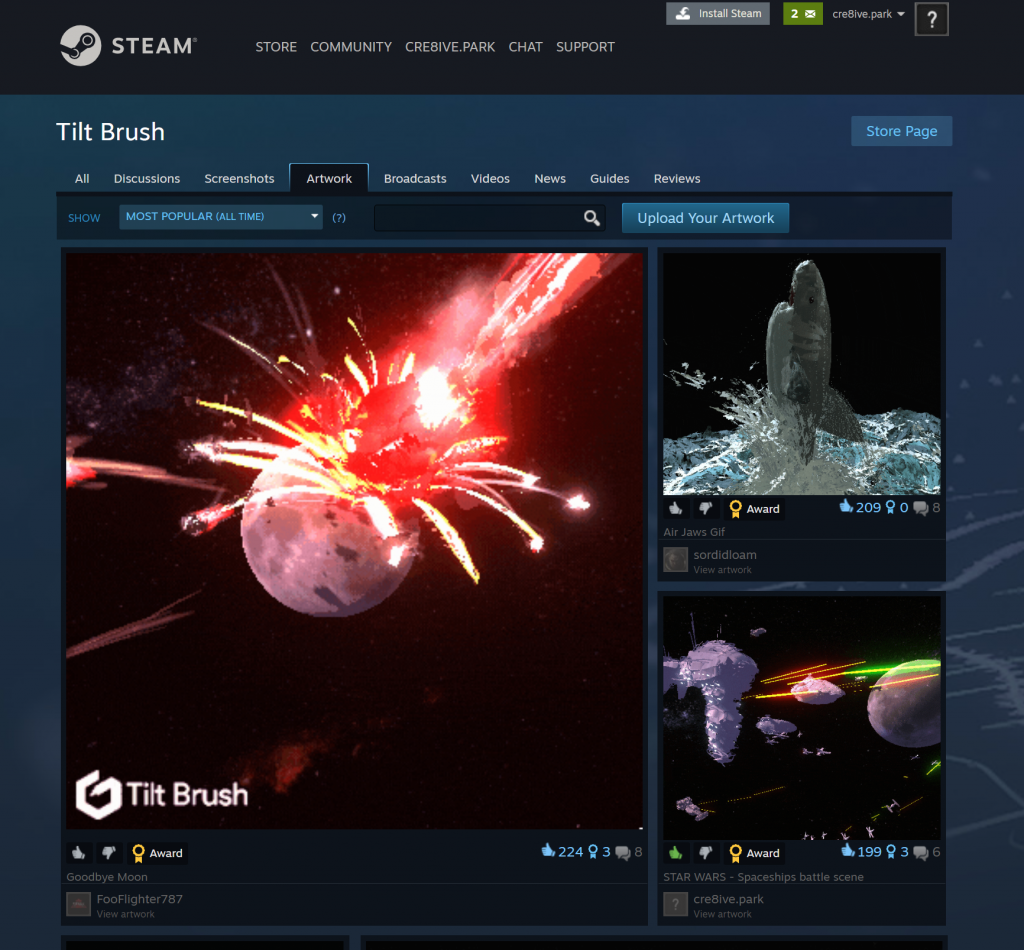
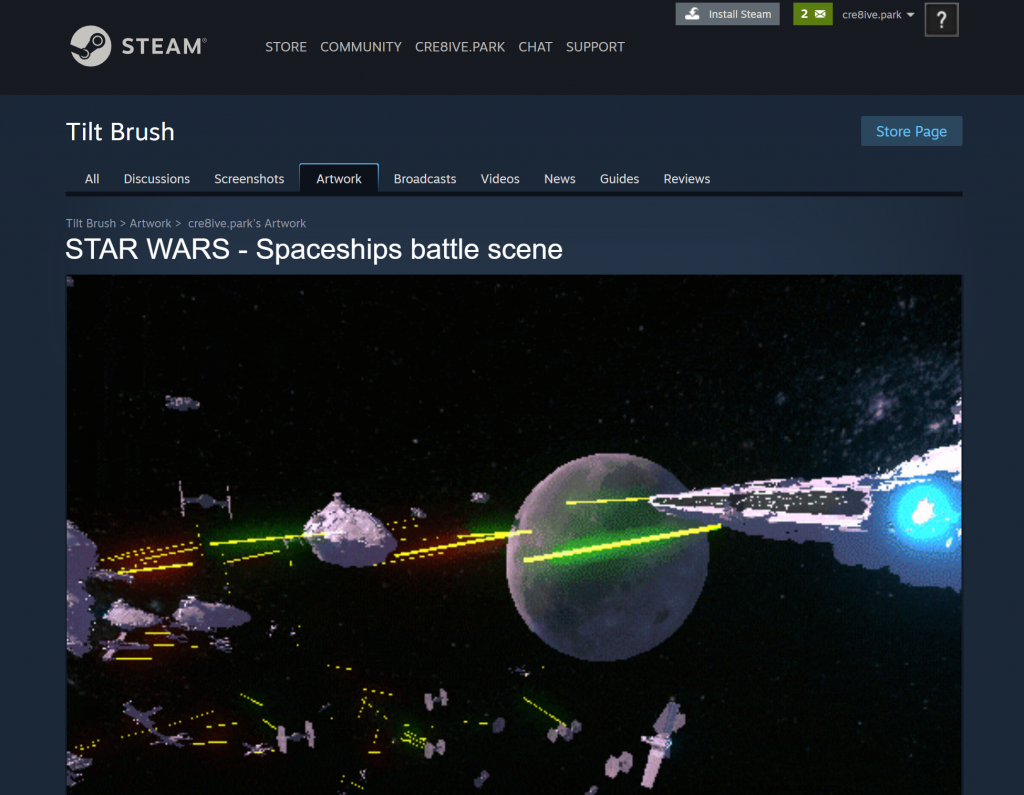
Recently, I spent some time with Tilt Brush on a VR device, and sketched a battle scene from Star Wars with various types of spaceships that I love — Star Destroyer, X-Wing, TIE Fighter… I have been drawing these spaceships a lot on 2D paper but being able to draw three-dimensionally in space gives me a whole different way of thinking and perspective. In near future, I can imagine the drawing foundation classes in art schools teaching how to sketch in three-dimensional canvas using AR/VR/MR devices. It is a truly exciting moment to explore the new canvas.
Enjoy!
*All drawings are from my memory. Obviously, I have been playing X-Wing and TIE Fighter games too much when I was a kid 😀
Received Steam Community Award – Michelangelo (July 2021)
Listed as one of the most popular artworks (all time).

Other Stories
-

How to enable Passthrough for Mixed Reality – Meta Quest 3, Quest Pro, Quest 2
#Mixed Reality #Passthrough #Hand Tracking #MetaQuest #Quest3 #Quest2 #QuestPro To enable passthrough, follow these 3 steps: 1. Enable Passthrough in OVRCameraRig > OVR Manager Update Passthrough Support and Enable Passthrough 2. Add OVRPassthroughLayer script Add OVRPassthroughLayer component to the OVRCameraRig. Select Underlay to use the passthrough as a background. This will create augmented reality experience…
-
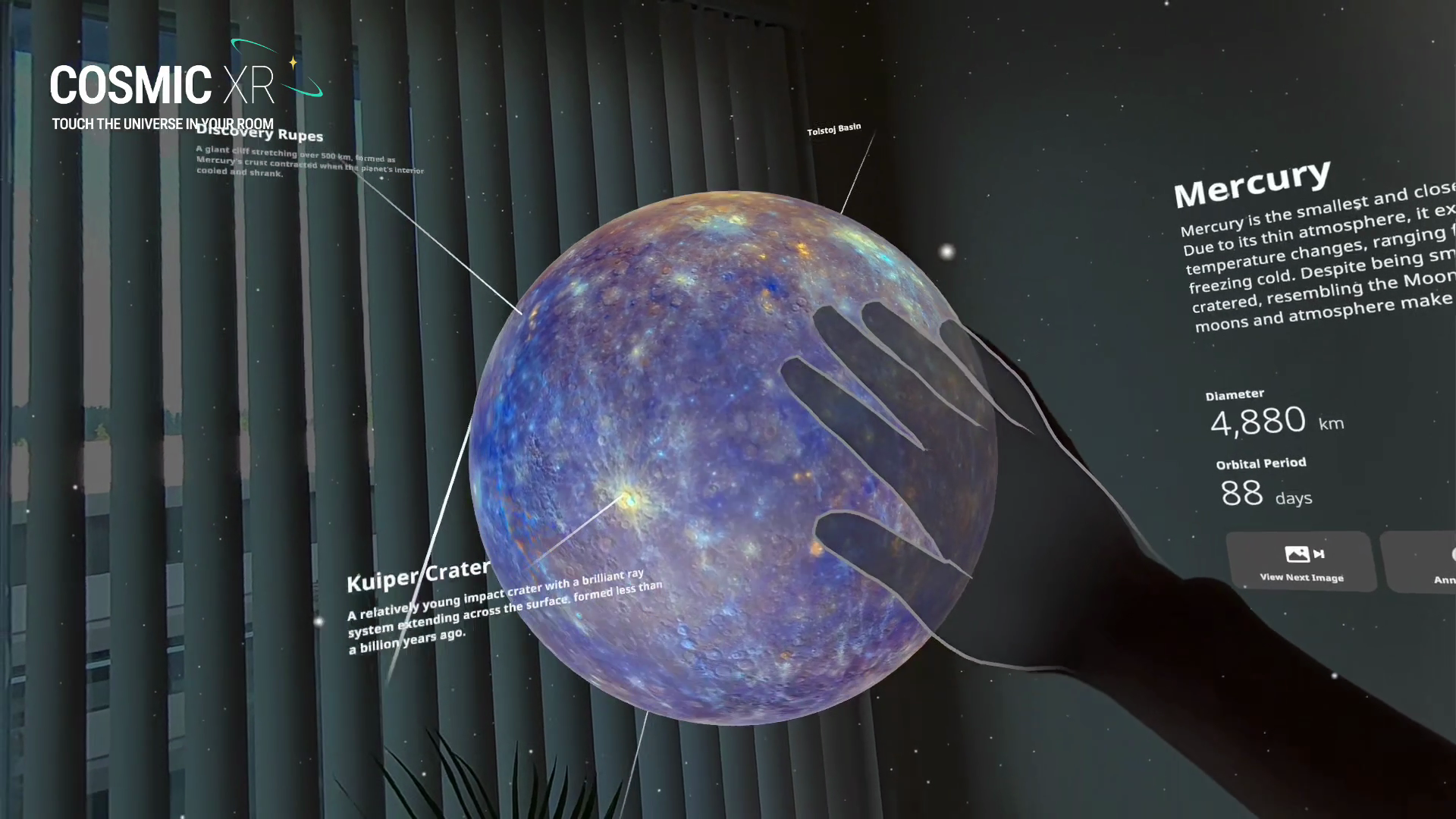
How AI Is Empowering Designers in Spatial Computing
AI has already created tremendous opportunities for designers working on traditional 2D applications and services. But what has excited me even more is how AI is fundamentally changing the way we design spatial computing experiences. The reason is simple: Spatial computing has always had a much higher barrier to entry. Unlike traditional 2D interaction design,…
-

Cosmic XR has won ‘Education Experience of the Year’ at The Polys 6th Annual Immersive Awards
Cosmic XR has won “Education Experience of the Year” at The Polys 6th Annual Immersive Awards today. The Polys, presented by the Academy of Immersive Arts & Sciences, recognize outstanding immersive experiences across XR. Cosmic XR is my solo passion project, combining my love for space, spatial interaction, and data visualization. I wanted to make…
-
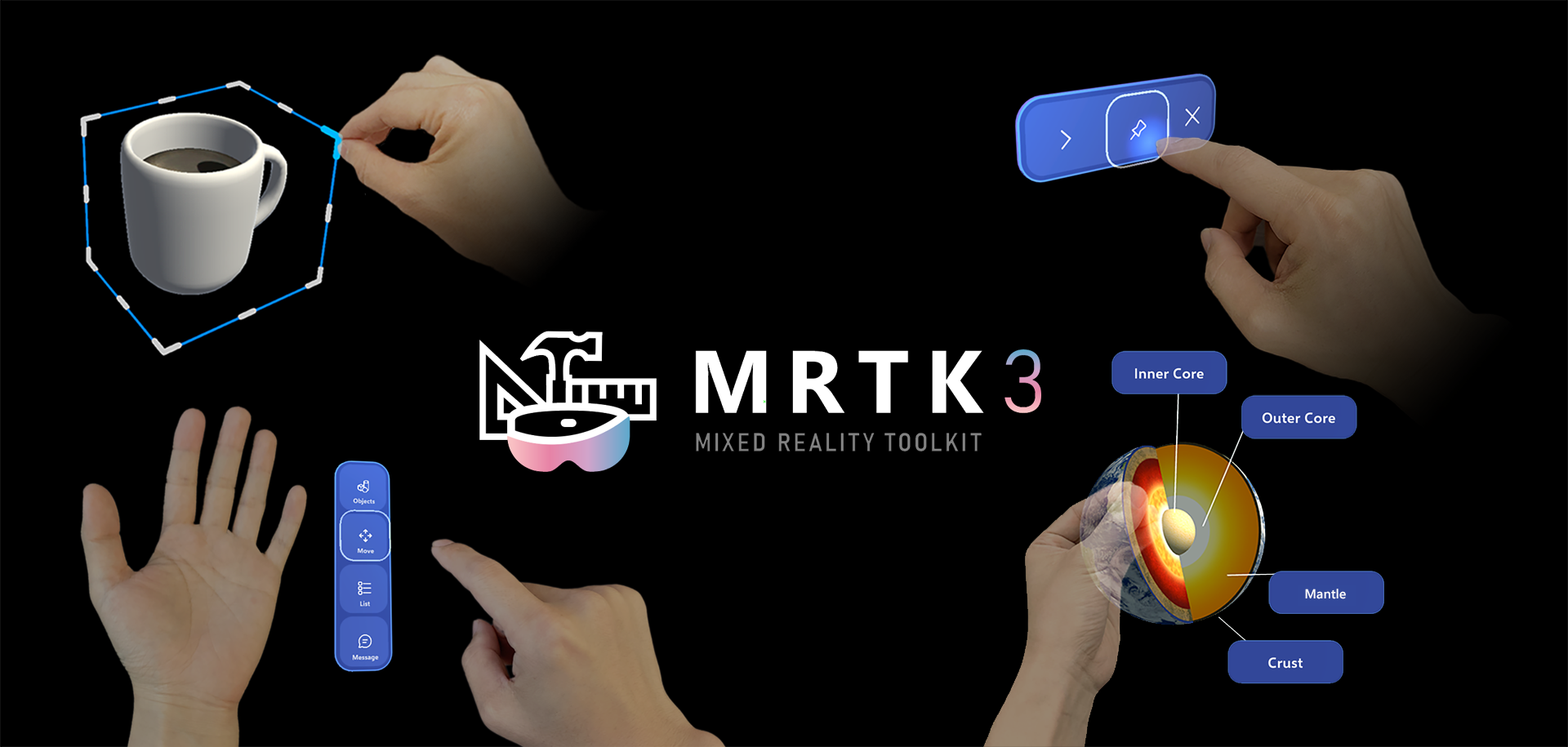
How to use Meta Quest 2/Quest Pro with MRTK3 Unity for Hand Interactions
With the support of OpenXR, it is now easy to use MRTK with Meta Quest devices. These are overall steps to set up the environment. If you use a PC, you can preview Unity’s game mode on the headset in real time which helps you iterate fast. Unfortunately, Mac does not support this live preview,…
-
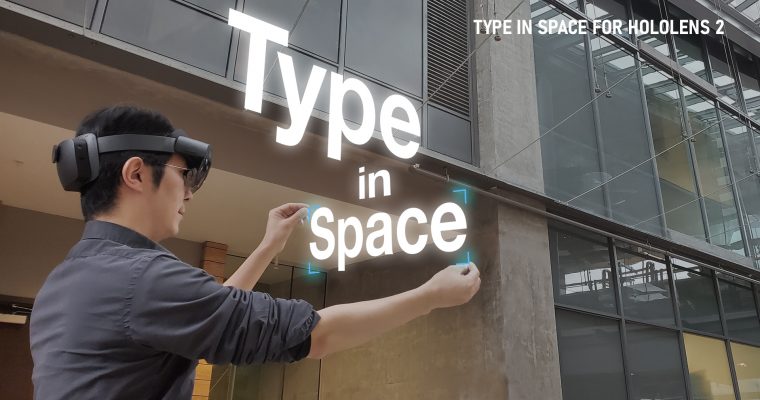
Designing Type In Space for HoloLens 2
Background As a designer passionate about typography and spatial computing, I’ve long been captivated by the idea of placing beautiful type into real-world space. With Microsoft HoloLens, you can anchor holographic objects in your physical environment — on tables, walls, or in mid-air — and walk around them just like real objects. My journey began…