
After publishing my first personal HoloLens project ‘Typography Insight for HoloLens’ last year, I continued experiments on typography in mixed reality space. One of the most fascinating aspects of HoloLens was the rendering quality of the type. Since HoloLens has a higher PPD(Pixels Per Degree) than other AR/VR devices, it renders beautiful sharp text. I wanted to create an app that can leverage text rendering quality as well as the physical environment.
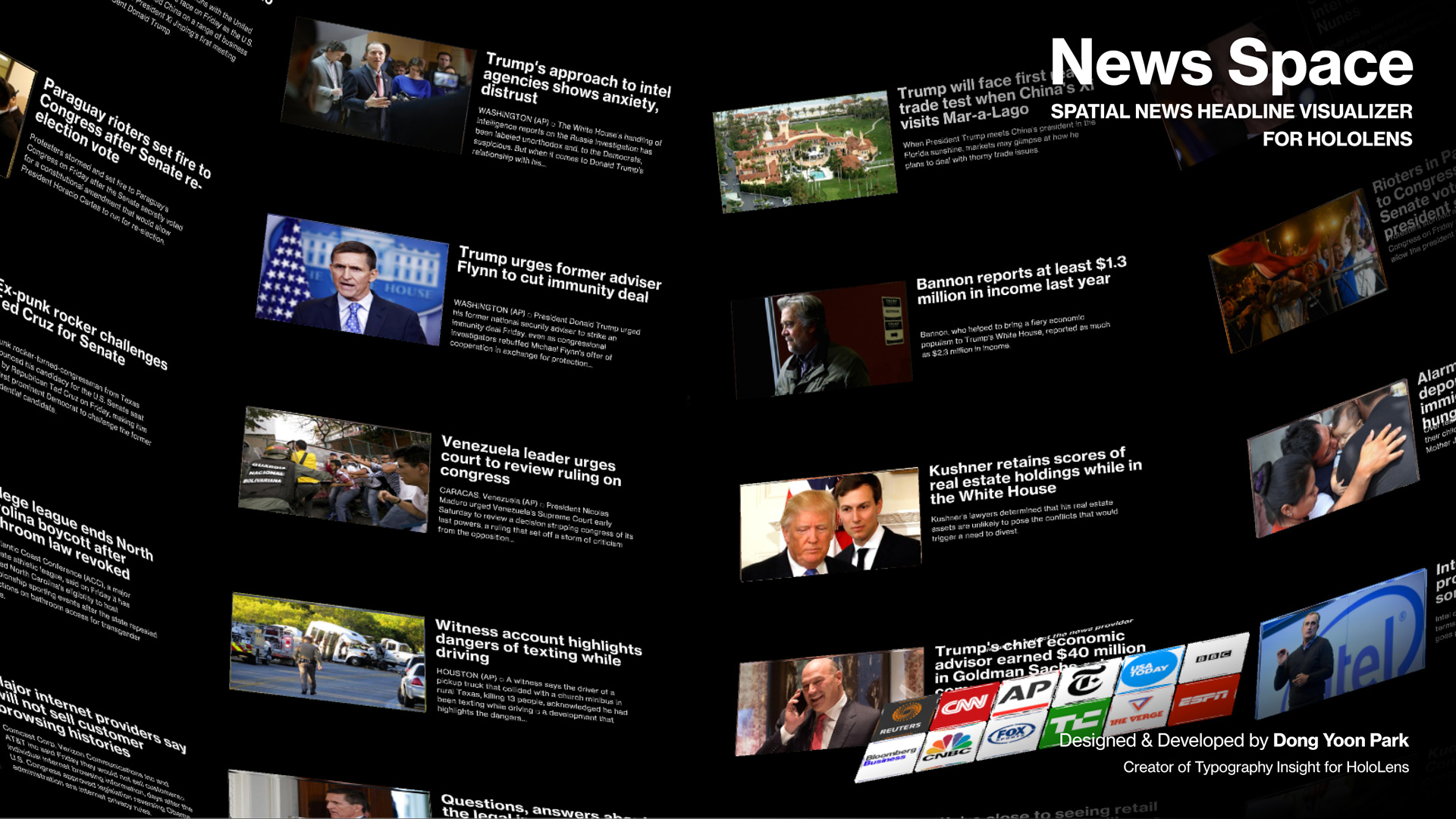
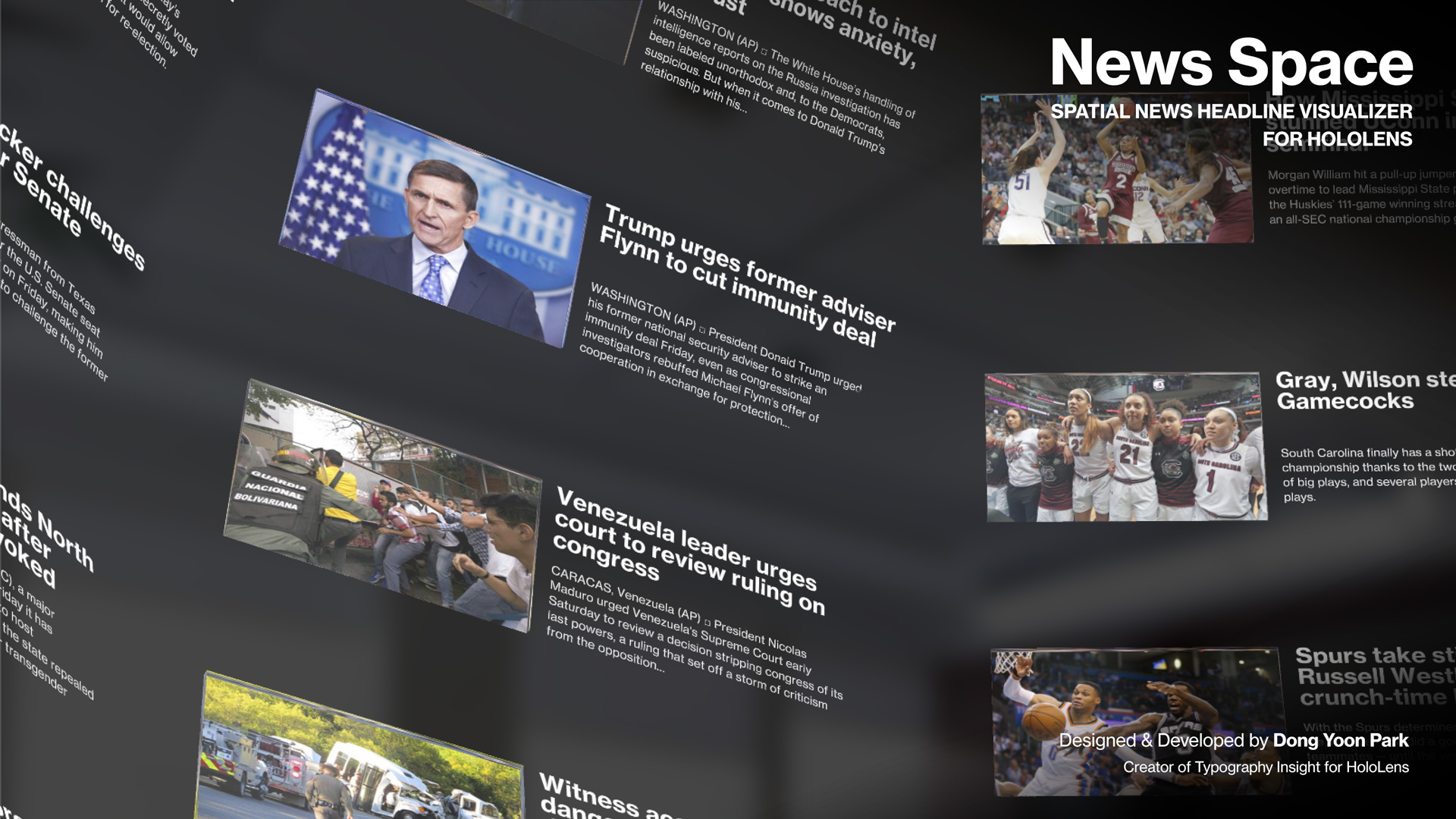
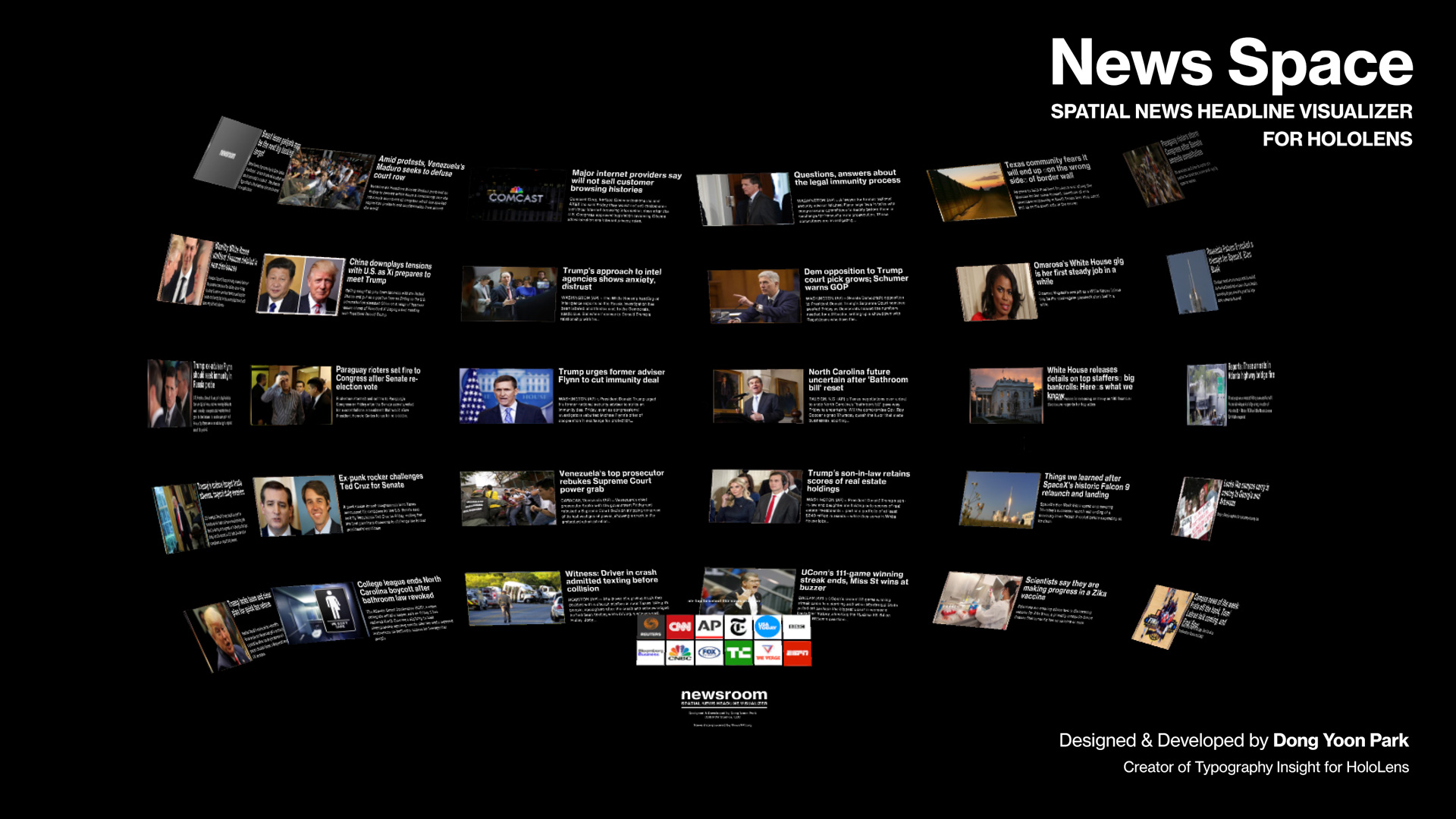
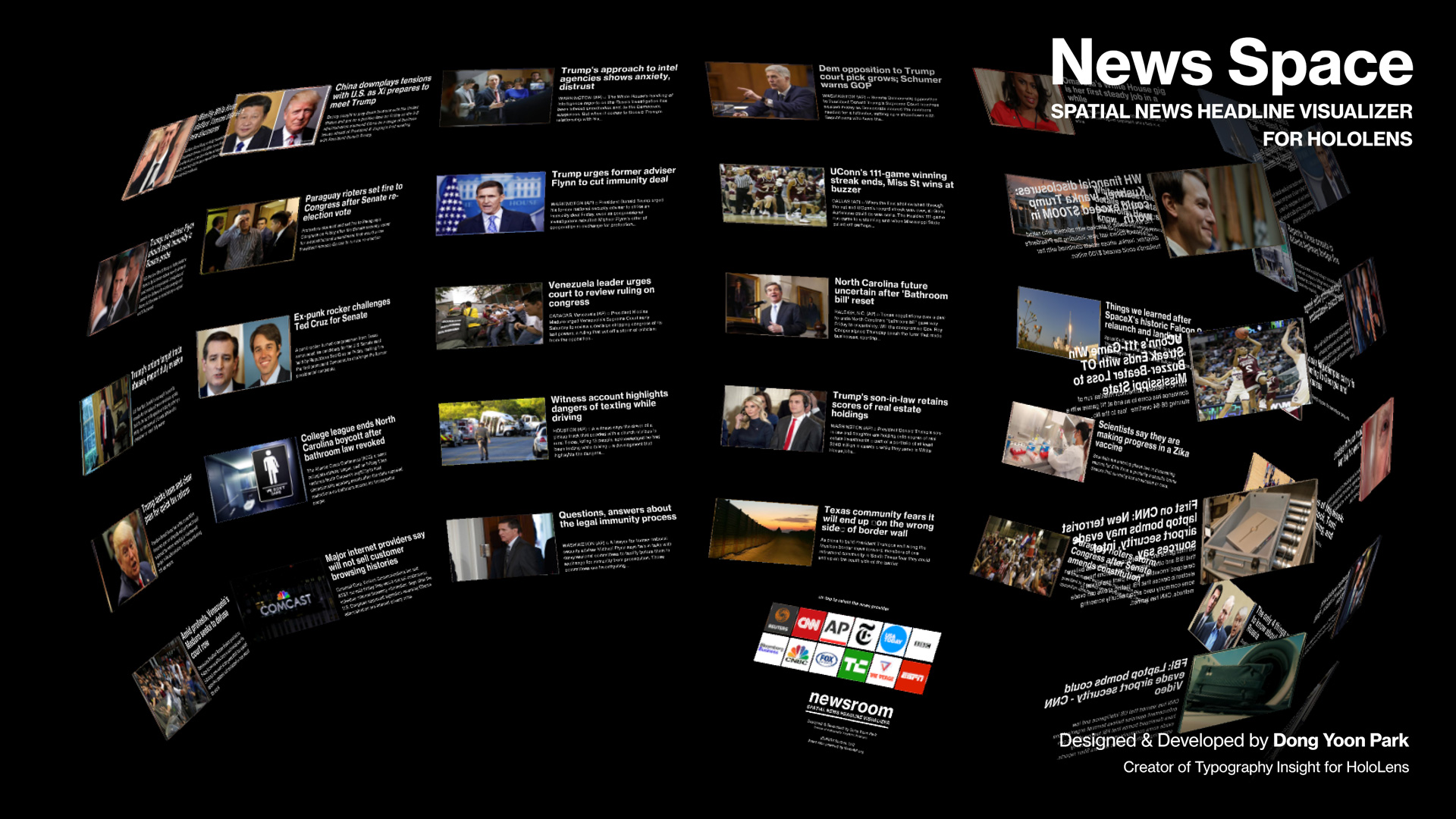
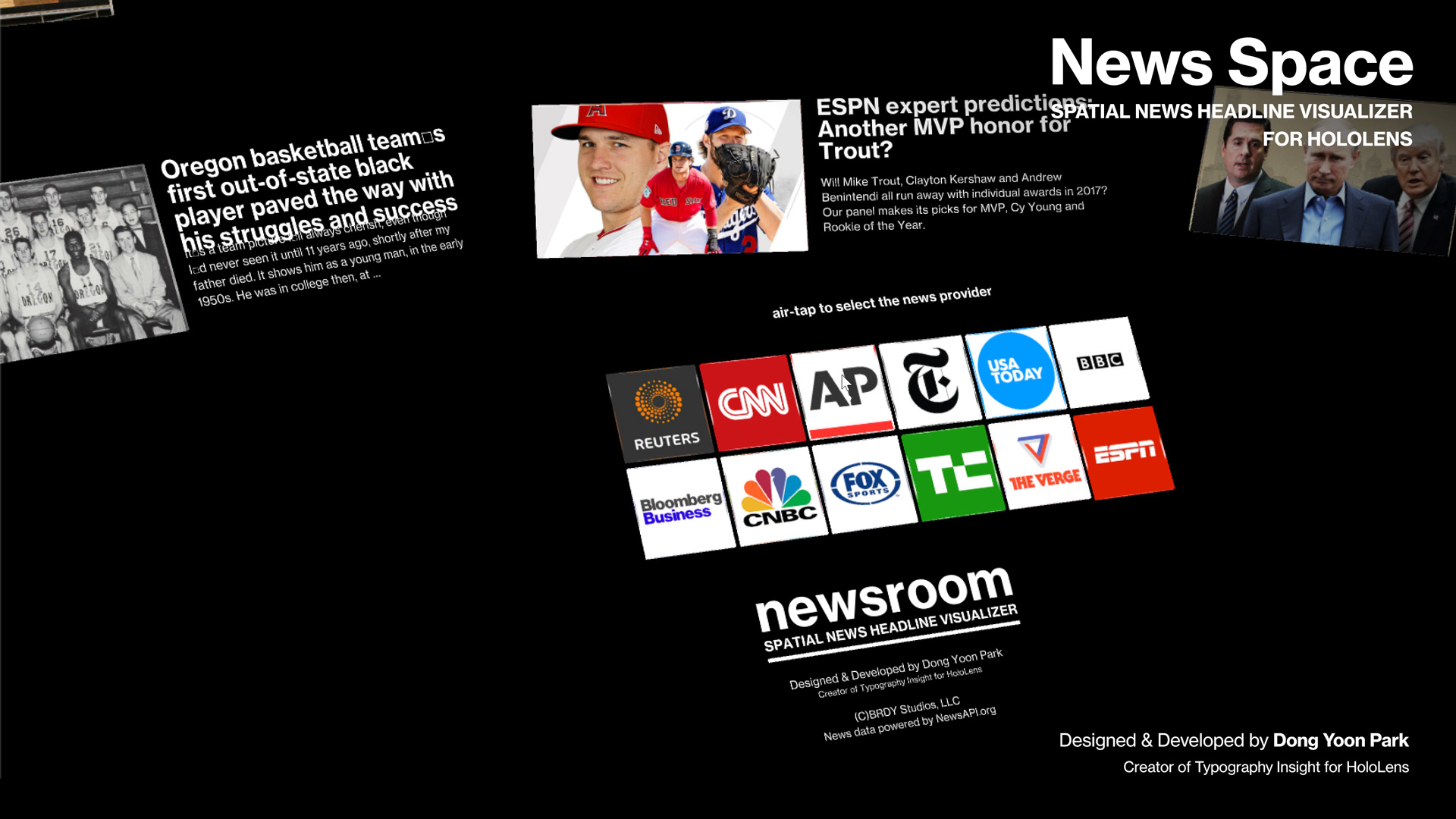
News Space is a spatial news headline visualizer in Mixed Reality space. It fills up your room with the latest news headlines. Since the news headlines are world-locked, you can walk around and view the detailed images and summaries. By air-tapping one of the news provider button, you can load headlines from the provider.
For the news item layout, instead of using a traditional 2D style list on a limited frame, I wanted to use the entire physical environment around the user. Through the series of experiments with different layout shapes such as three-dimensional lists and curved surfaces, I found that the spherical layout is comfortable since it gives me a relatively consistent distance to the news headlines regardless of the viewing angle.
To experiment with a more intensive reading situation, I am planning to add the reading mode and spatial sorting/categorizing for future updates. (Current version only supports headline summary view)
Other Stories
-

How to enable Passthrough for Mixed Reality – Meta Quest 3, Quest Pro, Quest 2
#Mixed Reality #Passthrough #Hand Tracking #MetaQuest #Quest3 #Quest2 #QuestPro To enable passthrough, follow these 3 steps: 1. Enable Passthrough in OVRCameraRig > OVR Manager Update Passthrough Support and Enable Passthrough 2. Add OVRPassthroughLayer script Add OVRPassthroughLayer component to the OVRCameraRig. Select Underlay to use the passthrough as a background. This will create augmented reality experience…
-
How AI Is Empowering Designers in Spatial Computing
AI has already created tremendous opportunities for designers working on traditional 2D applications and services. But what has excited me even more is how AI is fundamentally changing the way we design spatial computing experiences. The reason is simple: Spatial computing has always had a much higher barrier to entry. Unlike traditional 2D interaction design,…
-

Cosmic XR has won ‘Education Experience of the Year’ at The Polys 6th Annual Immersive Awards
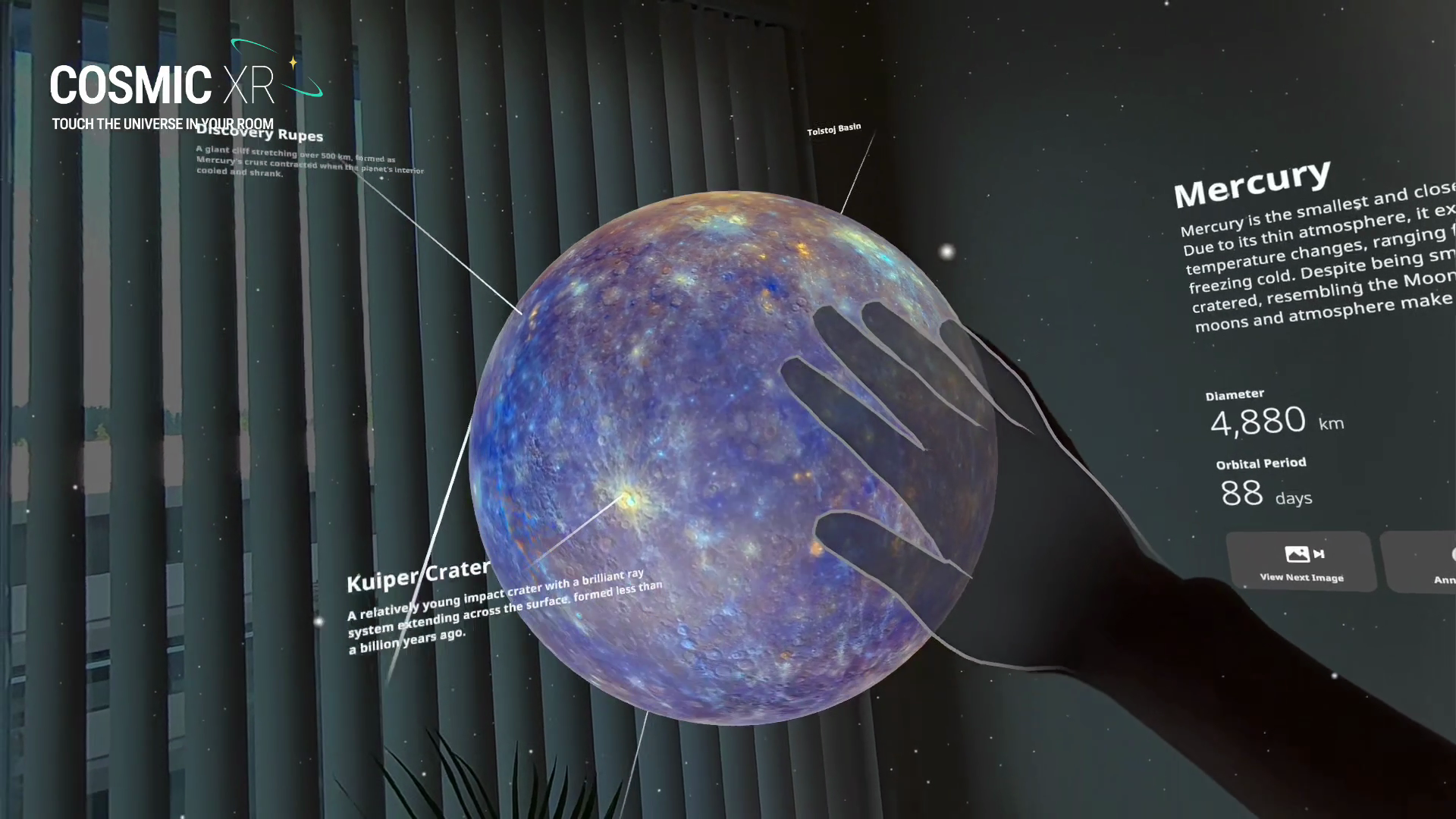
Cosmic XR has won “Education Experience of the Year” at The Polys 6th Annual Immersive Awards today. The Polys, presented by the Academy of Immersive Arts & Sciences, recognize outstanding immersive experiences across XR. Cosmic XR is my solo passion project, combining my love for space, spatial interaction, and data visualization. I wanted to make…
-
How to use Meta Quest 2/Quest Pro with MRTK3 Unity for Hand Interactions
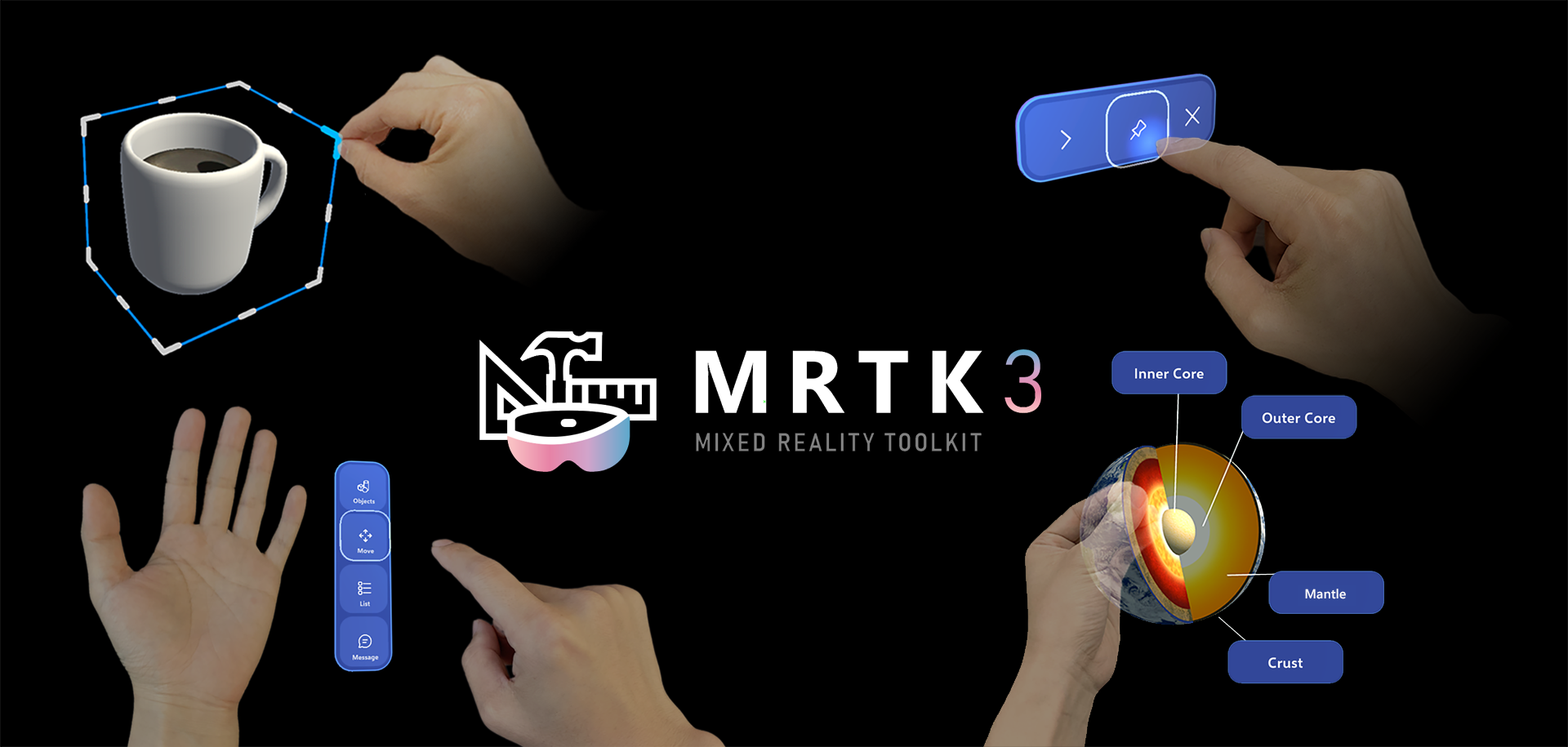
With the support of OpenXR, it is now easy to use MRTK with Meta Quest devices. These are overall steps to set up the environment. If you use a PC, you can preview Unity’s game mode on the headset in real time which helps you iterate fast. Unfortunately, Mac does not support this live preview,…
-
홀로렌즈2용 타입 인 스페이스 (Type In Space) 앱 디자인 스토리
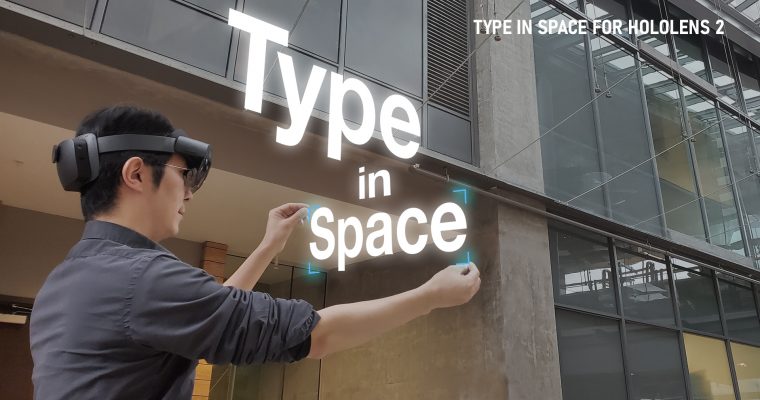
Background As a designer passionate about typography and spatial computing, I’ve long been captivated by the idea of placing beautiful type into real-world space. With Microsoft HoloLens, you can anchor holographic objects in your physical environment — on tables, walls, or in mid-air — and walk around them just like real objects. My journey began…
 Korean
  English